The Tech Behind This
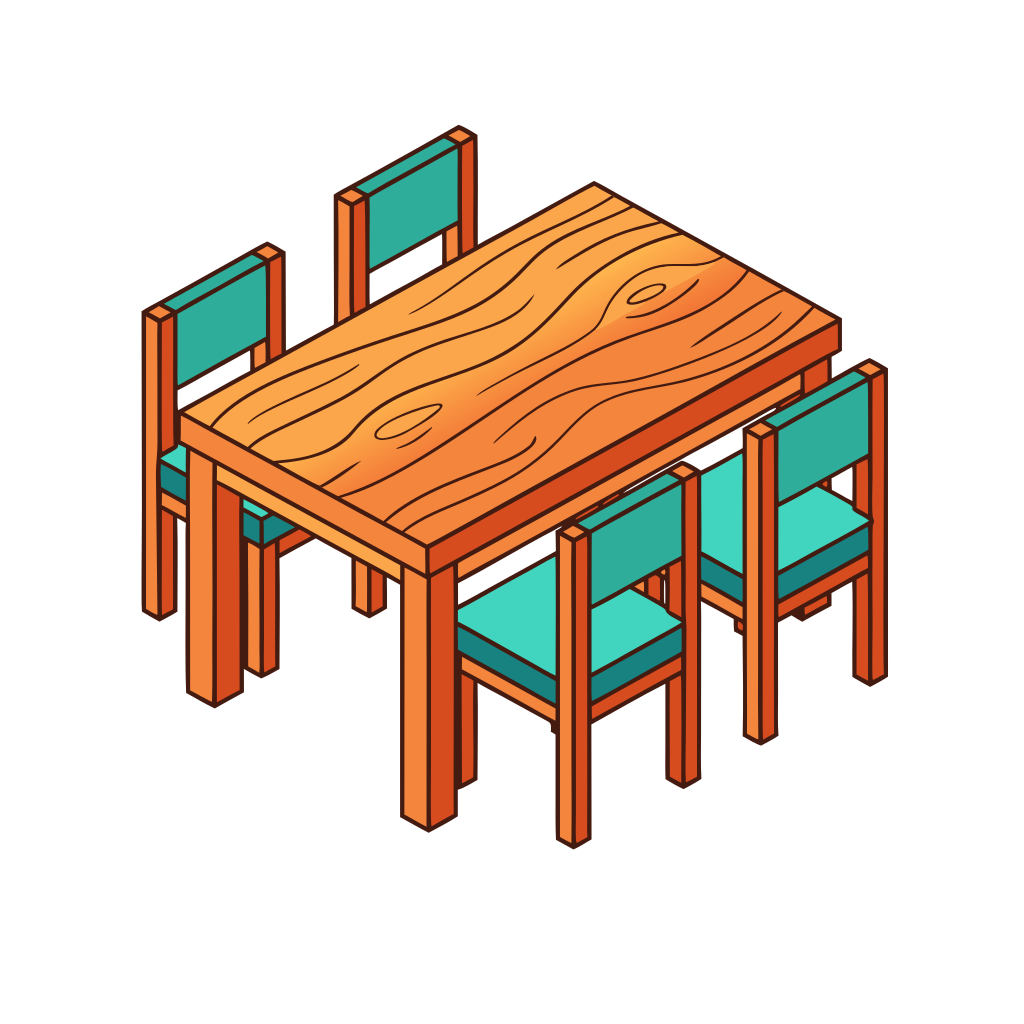
This project demonstrates how I trained Claude Code to generate professional isometric icons by integrating an external AI service through the Model Context Protocol (MCP).
The Challenge: Claude Code doesn't natively generate images. When I first asked it to create isometric SVGs manually, the results didn't follow proper isometric projection rules—the angles were inconsistent and shapes looked off.
The Solution: I connected Claude Code to SVGMaker, an AI-powered SVG generation service, using their MCP server. This involved:
# 1. Clone and build the MCP server
git clone https://github.com/GenWaveLLC/svgmaker-mcp
cd svgmaker-mcp && npm install && npm run build

# 2. Configure in .mcp.json
{
  "mcpServers": {
    "svgmaker": {
      "type": "stdio",
      "command": "node",
      "args": ["~/.mcp-servers/svgmaker-mcp/build/index.js"],
      "env": {
        "SVGMAKER_API_KEY": "your-api-key"
      }
    }
  }
}
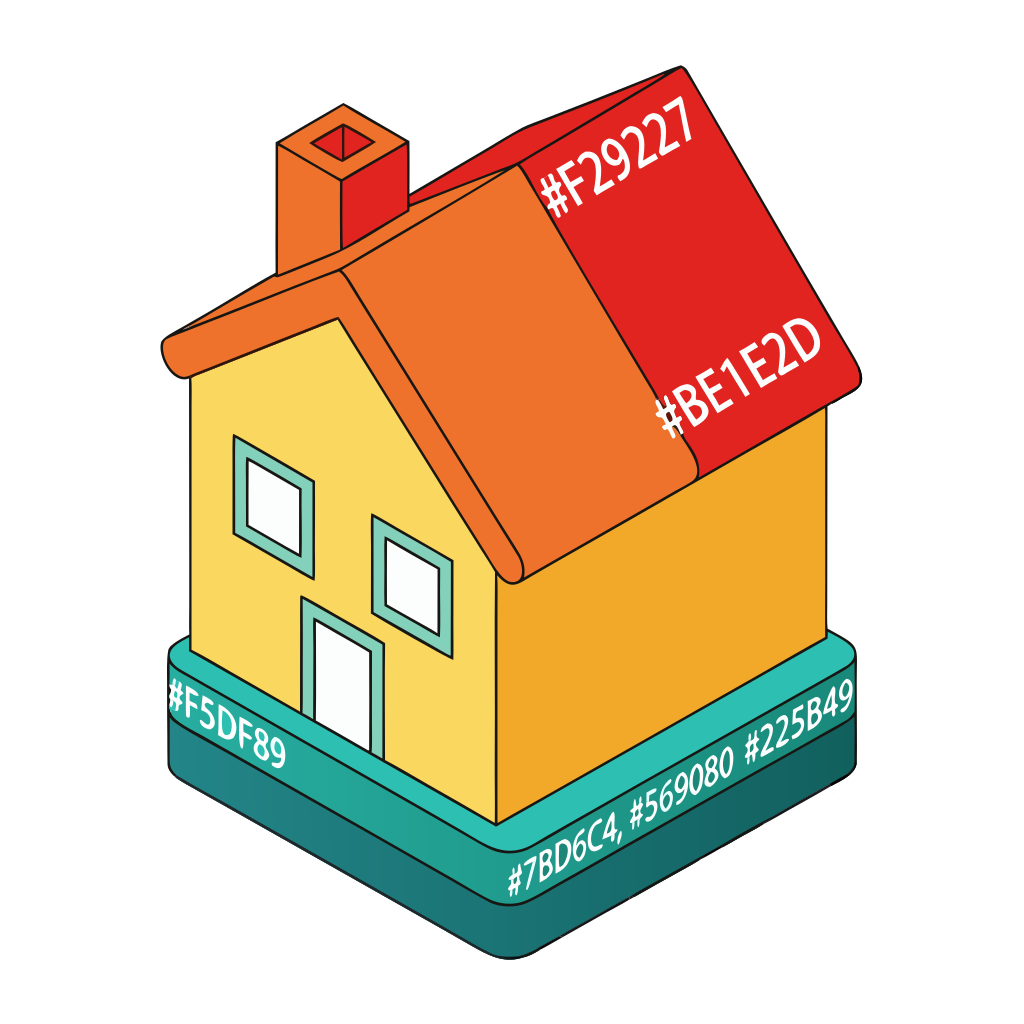
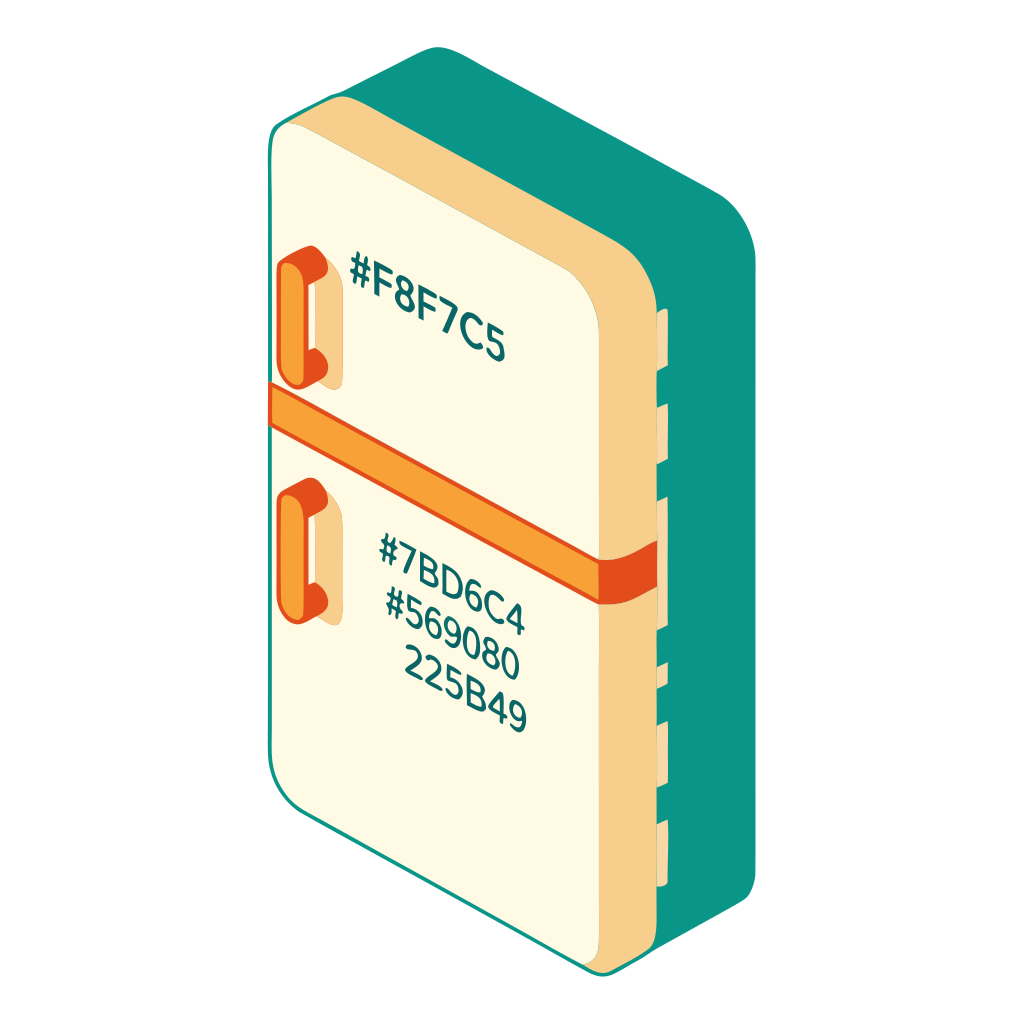
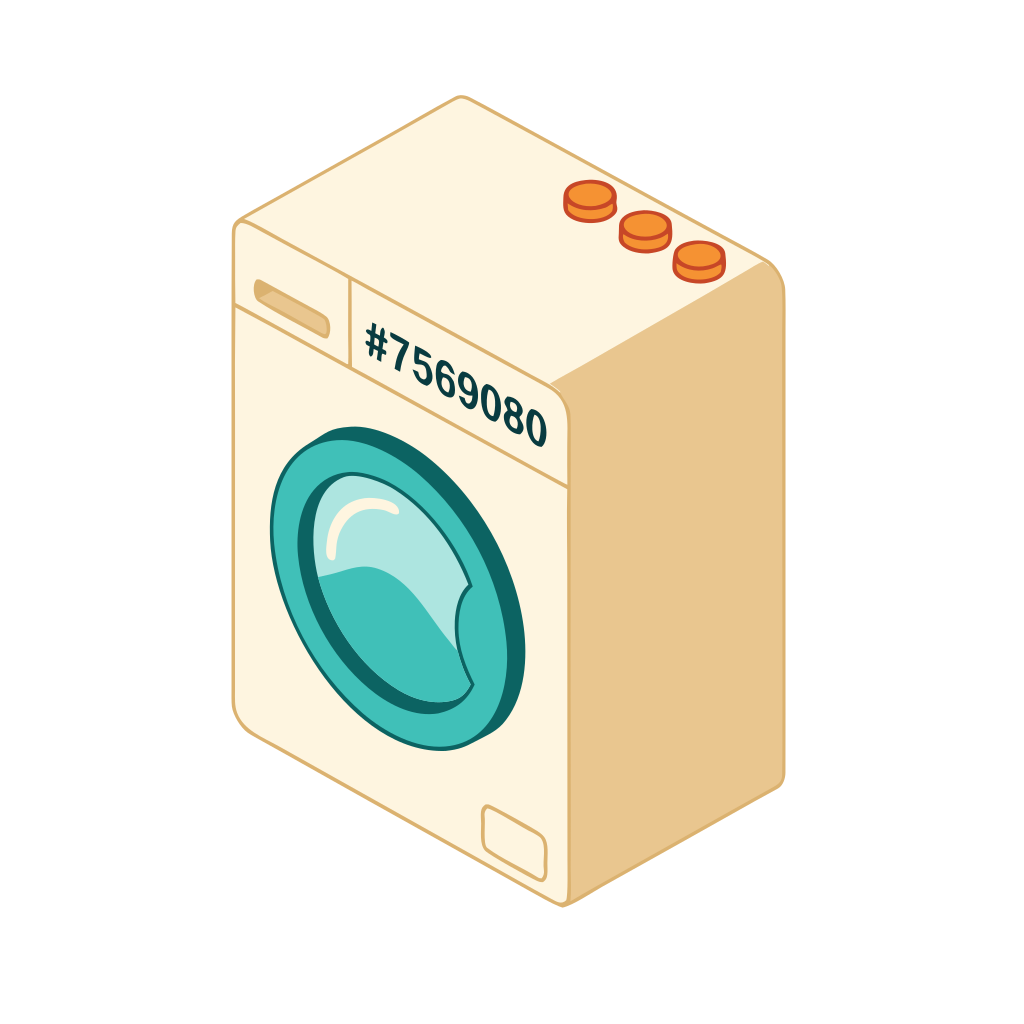
Style Training: I provided Claude with a reference icon (the Drive truck from SVG Repo) and extracted its color palette: warm oranges #F29227, deep reds #BE1E2D, and teals #7BD6C4. Claude then used these colors in prompts to SVGMaker, ensuring a consistent visual style across all generated icons.
The Result: Claude can now generate unlimited isometric icons on demand, maintaining style consistency—something that would typically require a designer or manual SVG coding.
Claude Code
MCP Protocol
SVGMaker API
Node.js
SVG